Studio.Guide has a fresh new look, and a lot more changed than the paint. We rebuilt the whole site to make it faster and easier to find the right space, whether that’s a cyc wall for tomorrow’s shoot, a podcast room for your weekly show or a stage for a music video. Here’s everything that’s new.
A new homepage
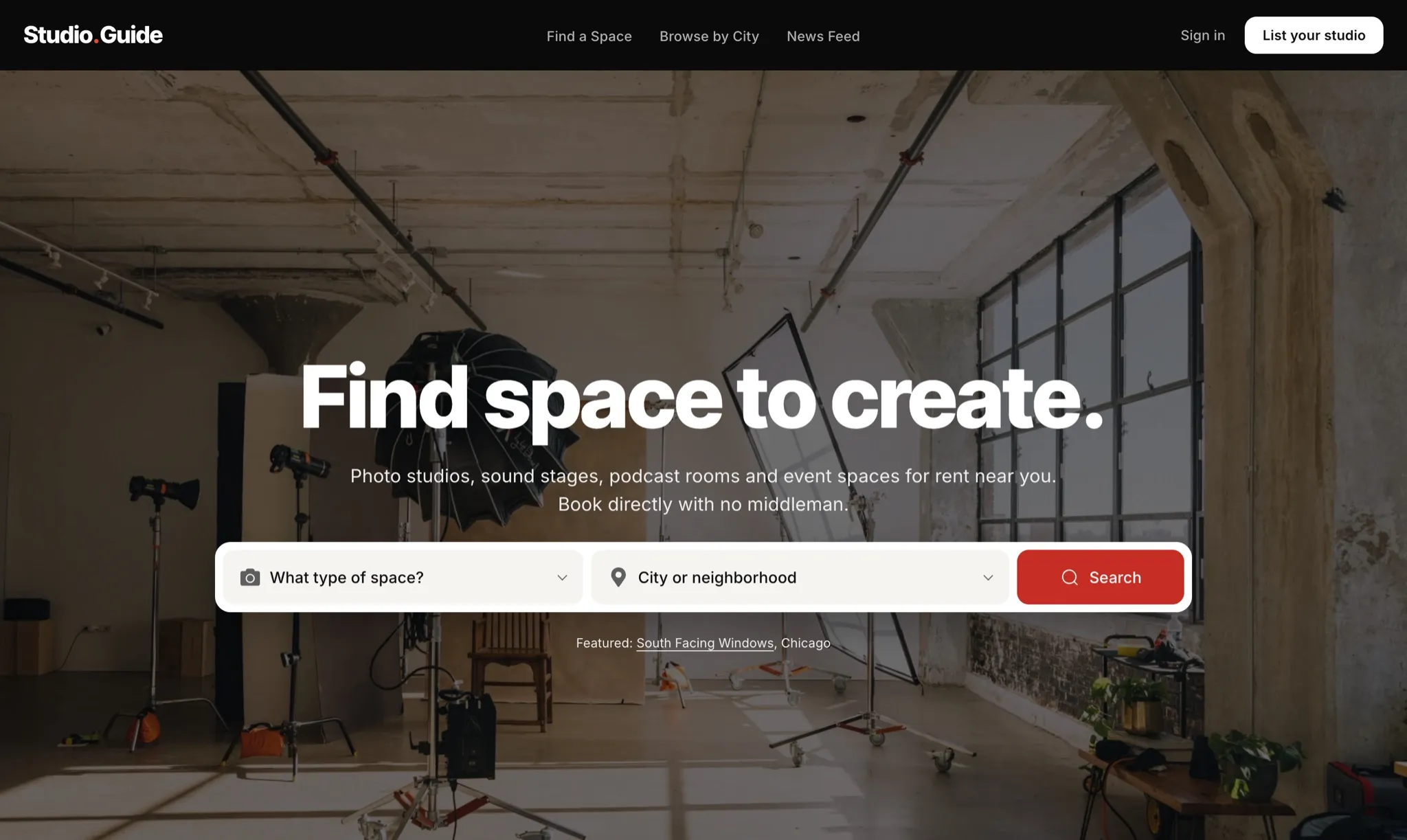
- Search from the first screen. Pick a type of space and a city, and you’re in.
- A featured studio every day. The homepage photo now comes from a studio in the guide, and it changes daily.
- Browse by studio type. Photography, film and video, event spaces, sound stages, podcasting, coworking, music recording and rehearsal space are each one tap away.
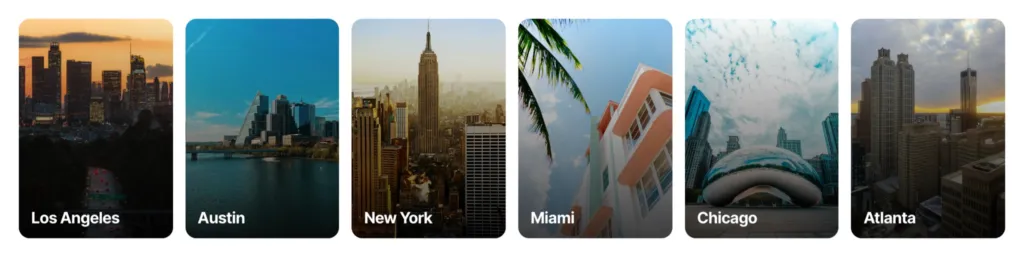
- Studios by city. Jump straight to Los Angeles, Austin, New York, Miami, Chicago and Atlanta.
- Recently added. See the newest studios in the guide as soon as they go live.

Search with a live map
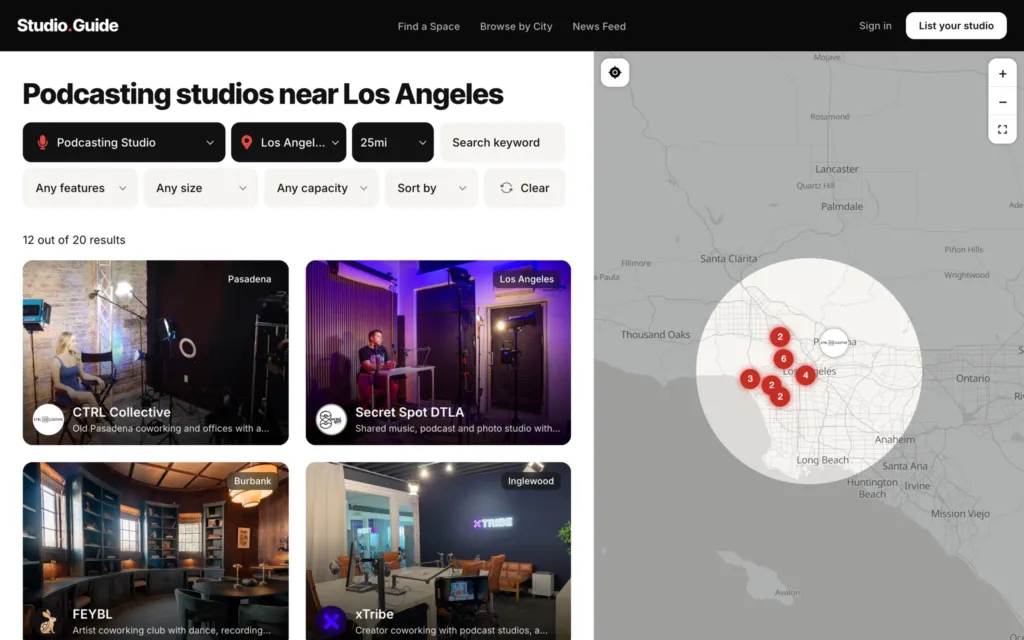
- Results and map side by side. Every studio in your results is pinned on the map, and the map follows your search as you change it.
- Studio logos on the map. Each pin shows the studio’s logo, so you can tell places apart at a glance. Click a pin to see the studio’s card.
- Search this area. Move the map and search right where you’re looking.
- Search by place, then distance. Type a city, neighborhood, state or ZIP code, then choose how far you’re willing to travel.
- Results that say what you searched. The page names your search, like "Podcasting studios near Los Angeles," and its link keeps your filters, so you can bookmark it or send it to your crew.
- Preview cards. Each result shows the studio’s photo, logo, city and a one-line summary, so you can compare spaces before clicking through.
New ways to filter
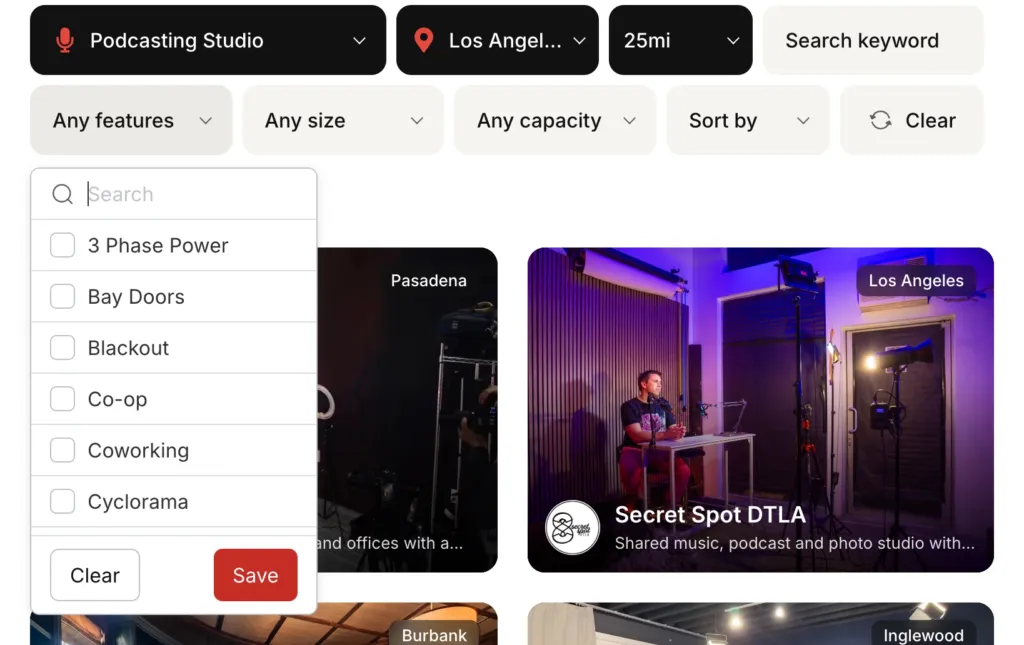
- Features. Filter by nearly 30 features, including parking, cyclorama, green room, makeup area, natural light, blackout, soundproofing, green screen, LED wall, XR stage, 3-phase power, bay doors, freight elevator and wheelchair access. Choose several, and you’ll only see studios that have all of them.
- Size. Need at least 2,000 square feet for a set build? Set the size filter and smaller spaces drop out.
- Capacity. Find spaces that hold your whole cast and crew, or your whole event.
- Sort. Sort by featured, newest or nearest.
Redesigned studio pages
Every studio now has a full page built to help you decide quickly.
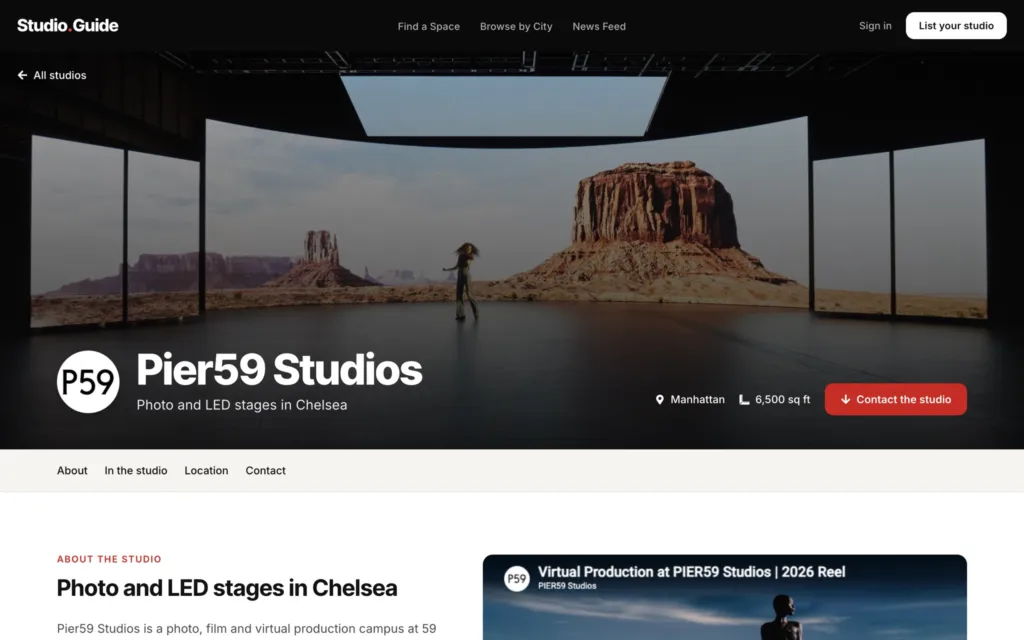
- A big cover photo with the studio’s logo, city and size up top.
- A studio menu that jumps to About, In the studio, Location and Contact.
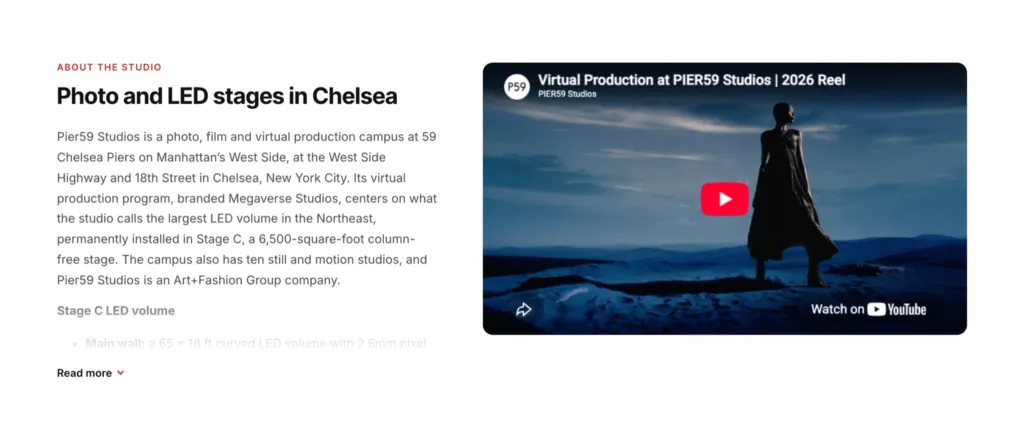
- Promo videos. More than 120 studios now show a tour or reel right on their page.
- Photo galleries you can swipe through.
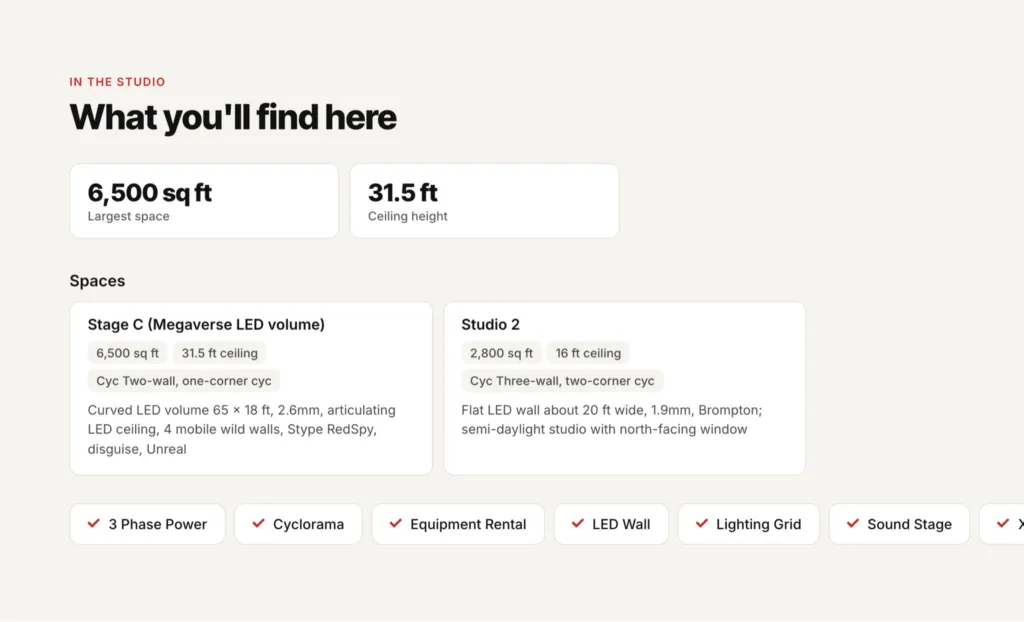
- Specs at a glance: largest space, ceiling height, capacity and minimum booking.
- Spaces. Studios with more than one stage or room list each one with its own size, ceiling height and cyc.
- Features listed in one place, from cyc walls to parking.
- Spec sheets and floor plans to download, when the studio has one.
- Location on a map with the full address, plus directions in Google Maps.
- More studios in the same city at the bottom of the page.
Book directly, with no middleman
Studio.Guide is a directory, not a booking platform. Every button on a studio page goes straight to the studio: Check availability opens the studio’s own booking page, and you can also email, call, visit the website or find them on social media. We don’t add booking fees, and we don’t stand between you and the studio.
Better on your phone
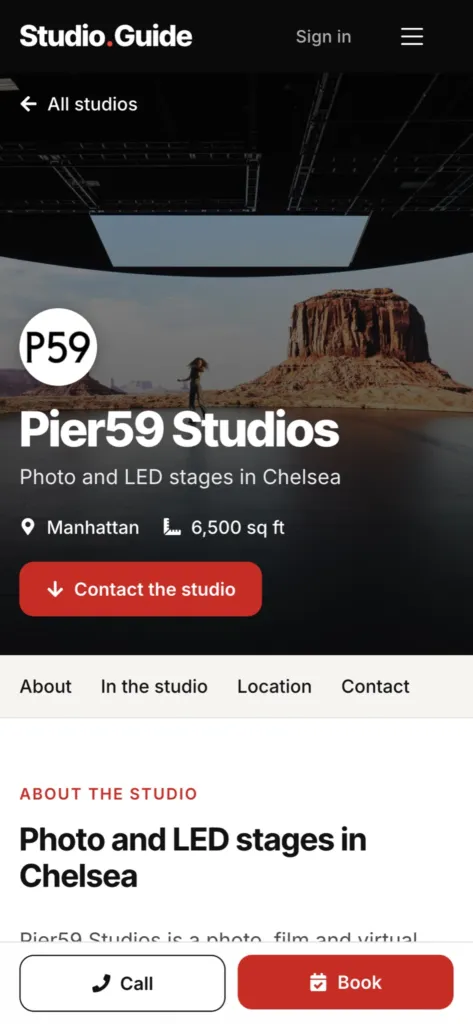
- Call and Book buttons stay at the bottom of the screen on every studio page.
- Maps that don’t get in the way. On studio and city pages, the map no longer grabs your scroll. Zoom with the + and − buttons.
- List or map. On search results, switch between the list and the map with one tap.
- Faster pages. Photos are lighter and load quicker, especially on mobile data.
City pages
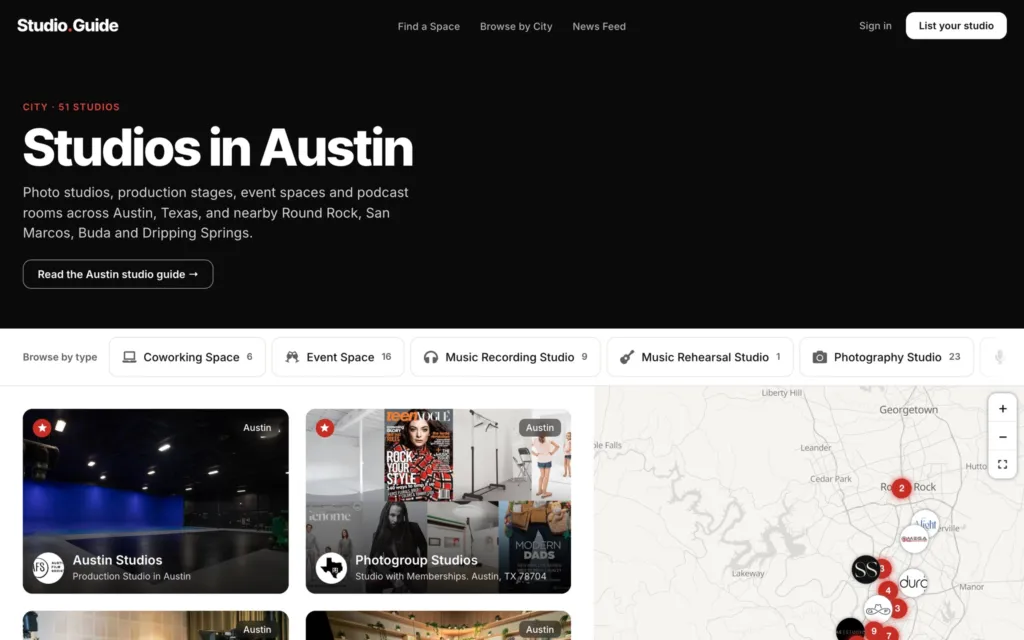
- A page for every city. Each one lists its studios next to a map, with a short description of what the city offers.
- Browse by type within a city. Chips at the top show how many studios of each type a city has, from event spaces to rehearsal rooms.
- Browse by City. One page lists every city with studios on Studio.Guide.
- The right city name. Studio cards and pages show the city where the studio actually is, so a studio in Burbank says Burbank, and New York studios show their borough.
More studios, and fresher listings
- More than 350 studios in over 100 cities. We’ve added well-established studios in every major category, starting with Los Angeles, New York, Atlanta, Austin, Miami and Chicago: music recording, podcasting, photography, production stages, event spaces and coworking. We also added LED volume and XR virtual production stages across the country.
- Closed studios removed. If a studio has shut down, it’s no longer listed.
- Names, links and addresses updated. Studios that rebranded or moved show their current details, and website links go to each studio’s current site.
- Rewritten descriptions. Studio descriptions are clear, factual and focused on what each space offers.
- Verified and featured badges. A check next to a studio’s name means the studio manages its own listing and keeps it up to date. A star marks featured studios.
- Your old links still work. Bookmarks to studios, cities and categories from the old site take you to the right place.
For studio owners
- One flat yearly fee, no commission. Annual Listing is $79 a year and Annual Featured Listing is $149 a year. Renters book with you directly, so you keep the full rate on every booking.
- Your own booking page. The Check availability button opens the booking page you already use. There’s no second calendar to keep in sync.
- Claim your profile. Many studios are already in the guide. If yours is, use Claim this profile on its page to manage it yourself.
- My studios. Edit your listing, check its status, see its views and manage billing, all in one place.
- Page view stats. See how many people viewed your studio page over the last 24 hours, 7 days, 30 days or 12 months, and which sites, countries and devices they came from.
- A complete profile. Add your specs, each stage or room, a promo video, a spec sheet or floor plan, your booking link and your social accounts.
- Featured placement. Featured studios come first in search results, on the map and on city pages, and get a star on their card.


Learn more on our page for studio owners, or see plans and add your studio.
Tell us what you think
We hope the new Studio.Guide helps you find your next space faster. If something looks wrong, a studio has closed or moved, or you know a studio we should add, email us at [email protected].
—